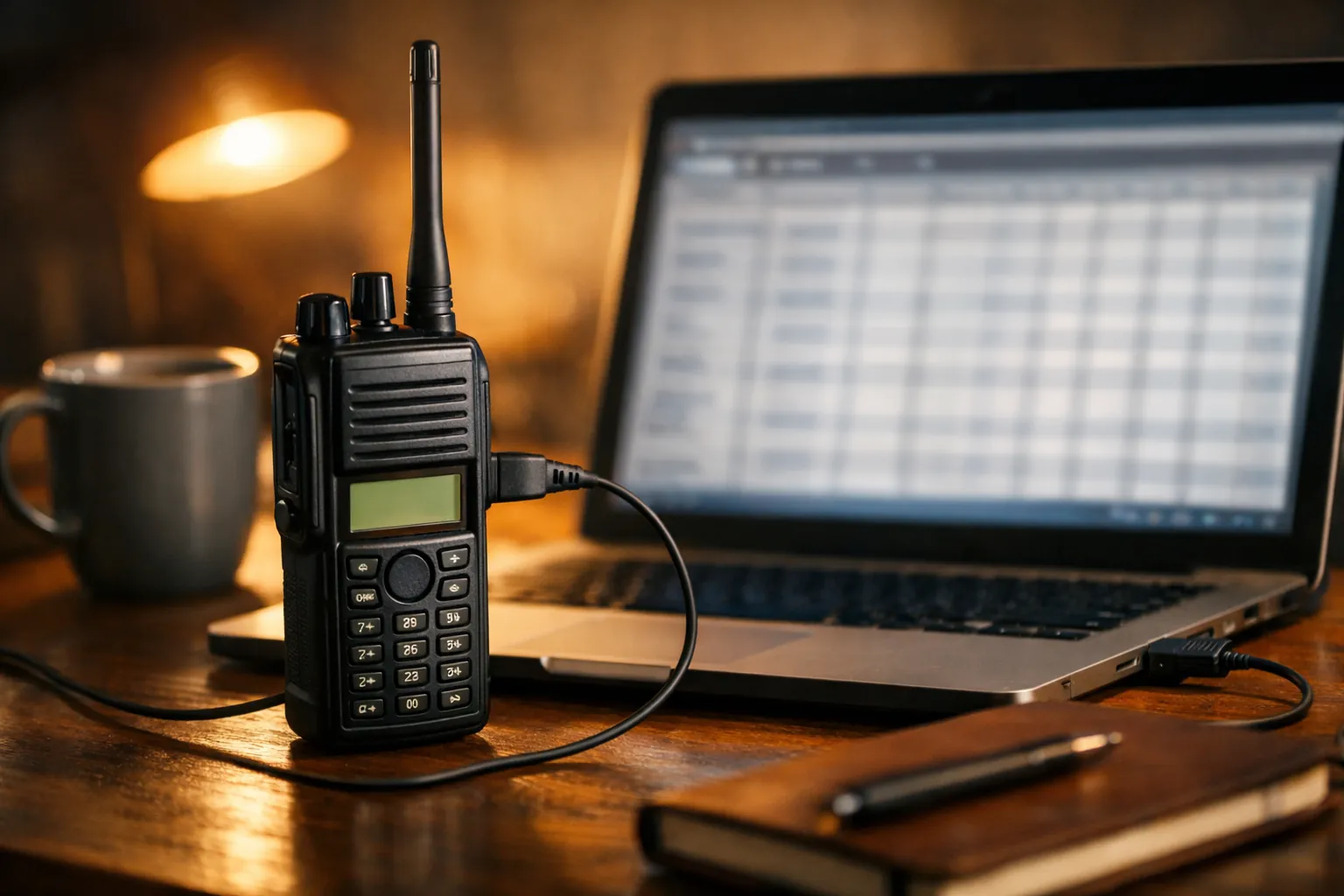
CHIRP is free software that reads your radio's memory to a computer, lets you edit every channel in a spreadsheet-style grid, and writes it back. For a GMRS radio, the whole job is: install CHIRP-next, connect the right cable, download from the radio, save a backup, enter the channels from the table below, and upload. Plan on 20 minutes the first time, most of it spent on the cable.
Check your radio is supported
CHIRP only works with radios it has a driver for. We checked CHIRP's supported radio list on October 3, 2026. GMRS models on it include:
| Brand | GMRS models on CHIRP's list | Note |
|---|---|---|
| BTECH | GMRS-V1, GMRS-V2, GMRS-20V2, GMRS-50V2, GMRS-50X1 | GMRS-PRO and GMRS-50PRO are not listed; they use BTECH's app |
| Baofeng | GM-15Pro, UV-9G, UV-5G, UV-5G Plus | For the UV-5G and UV-5G Plus, CHIRP says to pick the Radioddity UV-5G / UV-5G Plus driver |
| Wouxun | KG-805G, KG-935G, KG-935G Plus, KG-1000G, KG-1000G Plus | |
| Radioddity | DB20-G, DB25-G, DB40-G, GM-30, GM-30 Plus, GM-30 Pro | |
| TIDRADIO | TD-H3-GMRS, TD-H8-GMRS | Pick the GMRS variant, not the HAM one |
| Retevis | HA1G, RB17P |
Midland's MXT micromobiles and GXT handhelds aren't on the list. They're programmed from the radio or the mic. The list changes as volunteers add drivers, so check it for your model on the day you start.
Step by step
1. Install CHIRP-next
Download the latest CHIRP-next build from the CHIRP download page. CHIRP is built daily and versioned by date, and the project says everyone should run the newest build. It runs on Windows 10 and later (64-bit Intel), macOS Big Sur and later, and Linux. The older "legacy" version no longer gets updates.
2. Get the right cable working
Most GMRS handhelds from BTECH, Baofeng, Wouxun and Radioddity use the two-pin Kenwood-style (K1) jack, but check your manual. The chip inside the USB end is what matters. CHIRP's own cable guide warns that cheap cables built on counterfeit Prolific chips cause most driver headaches on Windows.
- The BTECH PC03 FTDI cable uses a genuine FTDI chip, needs no driver hunting on most systems, and lists the GMRS-V2 among compatible radios. It had 12,000+ ratings and about 500 sales a month when we checked.
- Baofeng's own CH340 programming cable lists the UV-5G Plus and GM-15PRO as compatible. Baofeng's listing says it works on Windows and to install the CH340 driver if the cable isn't recognized.
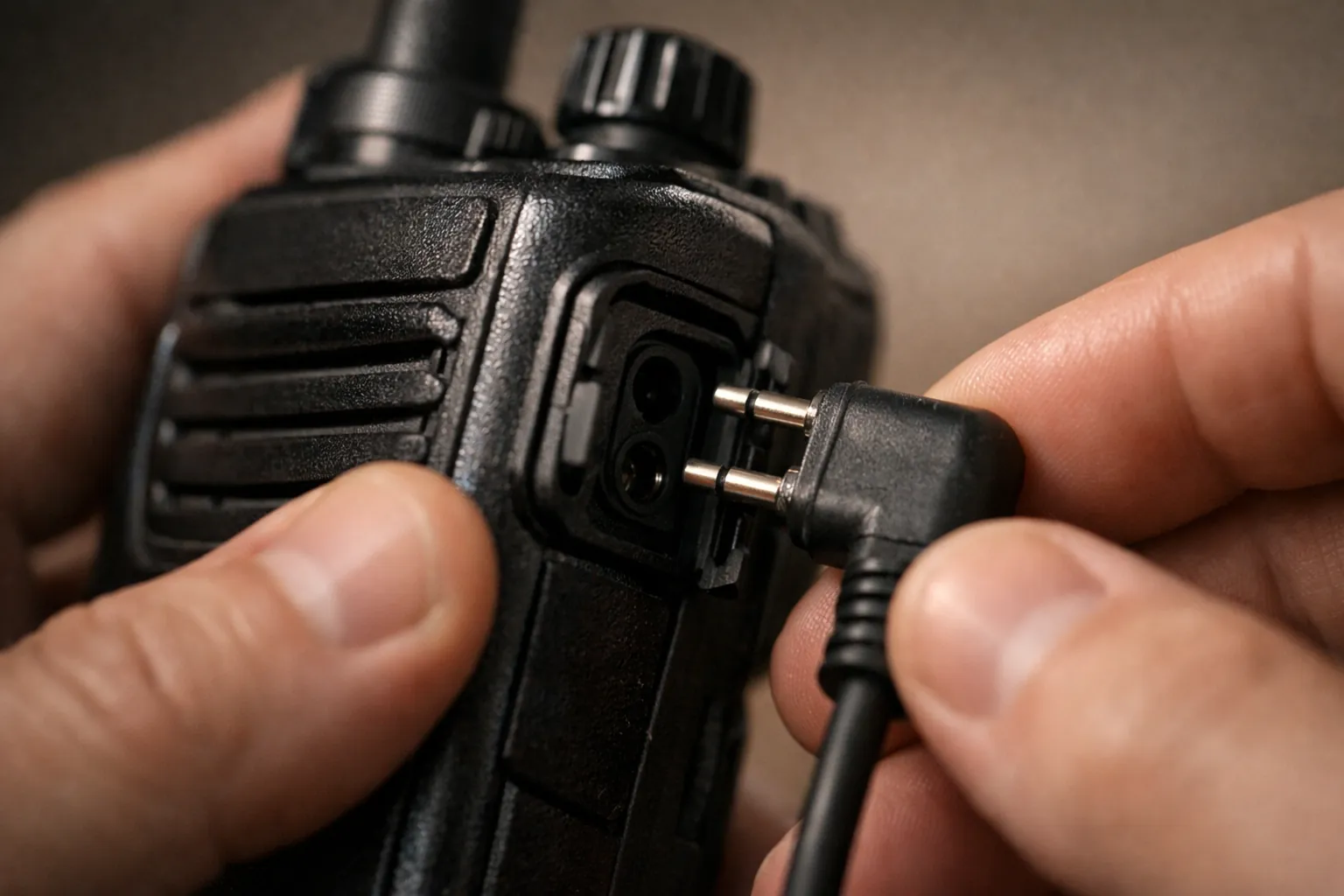
Plug the cable into the computer first and note which COM port (Windows) or /dev/tty device (macOS, Linux) appears. Then connect it to the radio and turn the radio on.
3. Download from the radio and save a backup
In CHIRP choose Radio > Download from radio, pick the port, the vendor and the model, and follow the prompt. When the grid appears, save it straight away (File > Save As) and keep that file. It's your factory backup. If anything goes wrong later, you can upload it and be back where you started.
4. Edit the channels
Enter or check the 30 GMRS channels from the table below, then add any local repeaters. Many GMRS radios lock the core channels to the legal frequencies, so CHIRP may not let you change them; that's the radio doing its job.
5. Upload to the radio
Choose Radio > Upload to radio. Don't unplug or switch off until it finishes. Then key up briefly on a quiet channel to test, and identify with your call sign (95.1751). The rules allow brief test transmissions (95.319(c)).
A verified 30-channel GMRS memory layout
Every frequency below comes from 47 CFR 95.1763, with channel numbers from the FRS table in 95.563. Column names match CHIRP's grid. Leave tone settings blank unless your group uses one; add them in Tone Mode and Tone (or DTCS Code).
| Loc | Name | Frequency (RX) | Duplex | Offset | Mode | Power note (95.1767) |
|---|---|---|---|---|---|---|
| 1 | GMRS 1 | 462.562500 | (none) | FM | 5 W ERP | |
| 2 | GMRS 2 | 462.587500 | (none) | FM | 5 W ERP | |
| 3 | GMRS 3 | 462.612500 | (none) | FM | 5 W ERP | |
| 4 | GMRS 4 | 462.637500 | (none) | FM | 5 W ERP | |
| 5 | GMRS 5 | 462.662500 | (none) | FM | 5 W ERP | |
| 6 | GMRS 6 | 462.687500 | (none) | FM | 5 W ERP | |
| 7 | GMRS 7 | 462.712500 | (none) | FM | 5 W ERP | |
| 8 | GMRS 8 | 467.562500 | (none); mobiles: off | NFM | 0.5 W ERP, handhelds only | |
| 9 | GMRS 9 | 467.587500 | (none); mobiles: off | NFM | 0.5 W ERP, handhelds only | |
| 10 | GMRS 10 | 467.612500 | (none); mobiles: off | NFM | 0.5 W ERP, handhelds only | |
| 11 | GMRS 11 | 467.637500 | (none); mobiles: off | NFM | 0.5 W ERP, handhelds only | |
| 12 | GMRS 12 | 467.662500 | (none); mobiles: off | NFM | 0.5 W ERP, handhelds only | |
| 13 | GMRS 13 | 467.687500 | (none); mobiles: off | NFM | 0.5 W ERP, handhelds only | |
| 14 | GMRS 14 | 467.712500 | (none); mobiles: off | NFM | 0.5 W ERP, handhelds only | |
| 15 | GMRS 15 | 462.550000 | (none) | FM | Up to 50 W (mobile/base) | |
| 16 | GMRS 16 | 462.575000 | (none) | FM | Up to 50 W (mobile/base) | |
| 17 | GMRS 17 | 462.600000 | (none) | FM | Up to 50 W (mobile/base) | |
| 18 | GMRS 18 | 462.625000 | (none) | FM | Up to 50 W (mobile/base) | |
| 19 | GMRS 19 | 462.650000 | (none) | FM | Up to 50 W (mobile/base) | |
| 20 | GMRS 20 | 462.675000 | (none) | FM | Up to 50 W (mobile/base) | |
| 21 | GMRS 21 | 462.700000 | (none) | FM | Up to 50 W (mobile/base) | |
| 22 | GMRS 22 | 462.725000 | (none) | FM | Up to 50 W (mobile/base) | |
| 23 | GMRS 15R | 462.550000 | + | 5.000000 | FM | TX 467.550000; up to 50 W |
| 24 | GMRS 16R | 462.575000 | + | 5.000000 | FM | TX 467.575000; up to 50 W |
| 25 | GMRS 17R | 462.600000 | + | 5.000000 | FM | TX 467.600000; up to 50 W |
| 26 | GMRS 18R | 462.625000 | + | 5.000000 | FM | TX 467.625000; up to 50 W |
| 27 | GMRS 19R | 462.650000 | + | 5.000000 | FM | TX 467.650000; up to 50 W |
| 28 | GMRS 20R | 462.675000 | + | 5.000000 | FM | TX 467.675000; up to 50 W |
| 29 | GMRS 21R | 462.700000 | + | 5.000000 | FM | TX 467.700000; up to 50 W |
| 30 | GMRS 22R | 462.725000 | + | 5.000000 | FM | TX 467.725000; up to 50 W |
Power figures are the legal ceilings in 95.1767: 5 W ERP on 462 MHz interstitials (1 to 7), 0.5 W ERP on 467 MHz interstitials (8 to 14), and 50 W transmitter output for mobile, base and repeater stations on the main channels (fixed stations: 15 W). Your radio's own power settings already sit inside its FCC grant.
Three details trip people up:
- Repeater rows are +5 MHz. You listen on 462 and transmit on 467. A layout that says "minus 5" has it backwards (95.1763(a) and (c)). Repeaters also usually need a tone on your transmit side: set Tone Mode to Tone and enter the repeater's CTCSS frequency, or use DTCS for a DCS code. Our CTCSS and DCS tone chart lists them all.
- Channels 8 to 14 are handheld-only. Only hand-held portable units may transmit there (95.1763(d)). On a mobile radio, set those memories' Duplex to "off" (receive only) if the driver lets you, or leave them out.
- Wide and narrow matter too. The rules allow ±5 kHz deviation on the main channels and the 462 MHz interstitials, and ±2.5 kHz on the 467 MHz interstitials (95.1775). In CHIRP that's FM for most rows and NFM for 8 to 14.
Adding local repeaters
After the 30 standard rows, give each local repeater its own memory with a clear name ("RIDGE 20R"). Use the repeater's output frequency, Duplex +, Offset 5.000000, and the tone the owner gives you. Many GMRS repeater owners ask that you request access first, and under 95.1705(d) the licensee decides who may use it. Our guide to finding and using GMRS repeaters covers directories and etiquette.
Want a CSV to share? Once the grid looks right, File > Export saves it, and File > Import pulls it into another radio's image. Check the imported rows against the table above, since some drivers round or skip fields.
Mobile radios
CHIRP handles the CHIRP-supported mobiles the same way. The BTECH GMRS-50V2 is on the list; its newer sibling, the GMRS-50PRO, isn't and uses BTECH's phone app instead. Check which programming port and cable your mobile uses in its manual before you buy a cable; it's often not the handheld one.
If CHIRP can't find the radio
- Reseat the plug firmly in the radio and turn the volume up (some radios need it on).
- Confirm the port: unplug the cable, see which COM port disappears, plug it back in.
- Check the driver for the cable's chip (FTDI, CH340 or Prolific). CHIRP's cable guide is the best reference.
- Make sure you picked the exact model, including the Radioddity driver for a Baofeng UV-5G Plus.
- Update CHIRP-next. New drivers and fixes land almost daily.
Keep a printed GMRS frequency chart with the radio, and see GMRS channels and frequencies for what each channel group is for. If you also own a Baofeng UV-5R, our UV-5R CHIRP guide covers ham programming and keeping GMRS receive-only on it.
Sources: 47 CFR 95.1763, 95.1767, 95.1775, 95.563, 95.1751, 95.319, 95.1705 (eCFR up to date as of October 1, 2026); CHIRP supported-radio list, download page and cable guide (chirpmyradio.com); cable details from the Amazon listings. All checked October 3, 2026. How we research · Affiliate disclosure