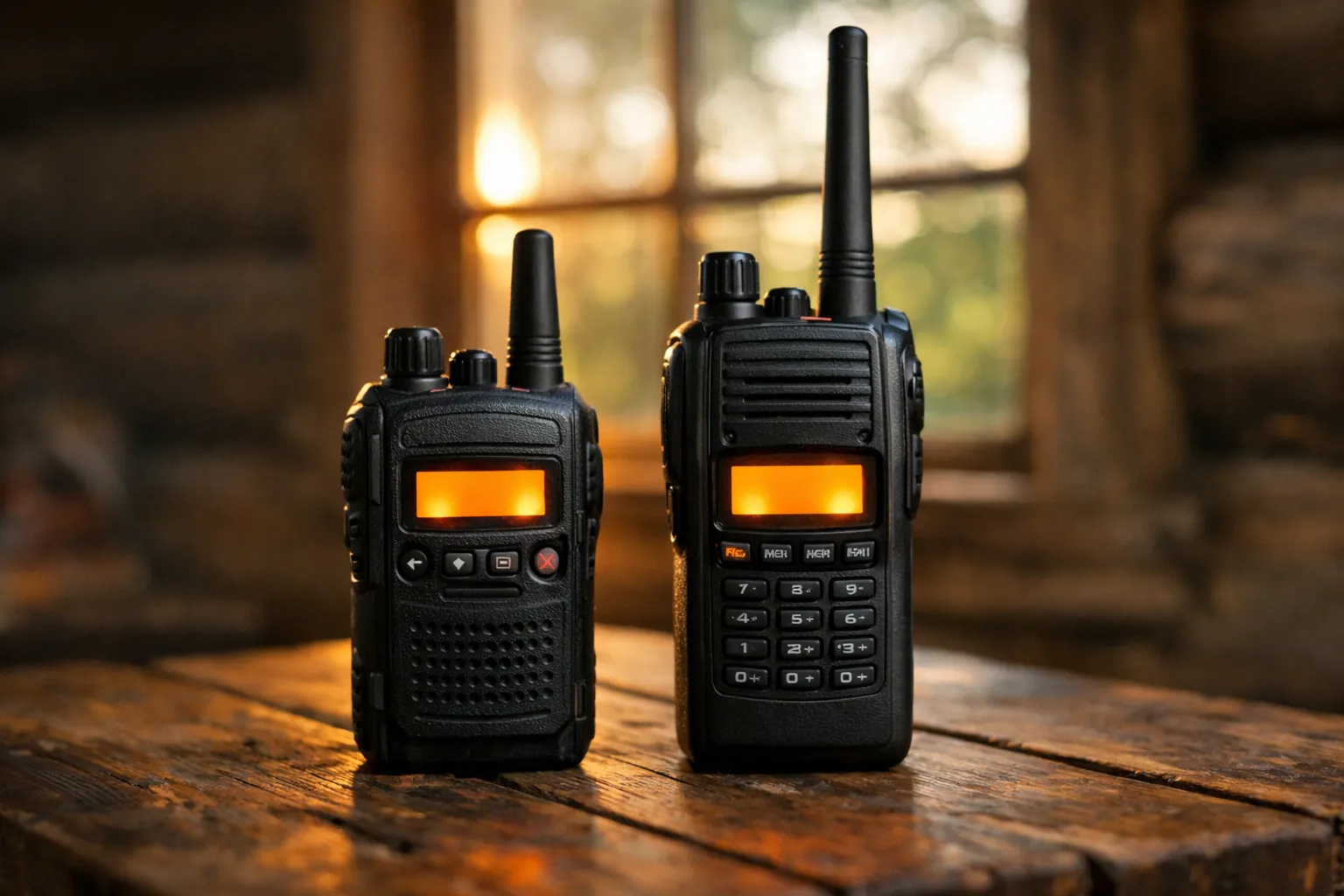
GMRS privacy codes are squelch tones. They decide which signals your radio plays, and that's all. Anyone else on the channel with the code turned off still hears every word. The FCC's own description is "tones used for receiver squelch activation and selective calling" (47 CFR 95.1777). They're still worth using: on a busy channel, a code turns other groups' chatter into silence.
How a privacy code works
There are two kinds, and most radios offer both:
- CTCSS (continuous tone-coded squelch system) sends a steady low tone between 67.0 and 254.1 Hz under your voice. You don't hear it because radios filter it out of the speaker.
- DCS (digital-coded squelch) sends a repeating digital pattern instead, labelled with a three-digit code like 023 or 754.
The receiving radio checks for the matching tone or code before it opens the speaker. FCC rules allow sub-audible tones (300 Hz or lower) to run continuously during a conversation (95.377(b)), which is why CTCSS works the way it does.
That also works in reverse. With a code set, your radio stays quiet for people who aren't using it, including someone calling for help. Turn codes off when you're monitoring for emergencies, and see our GMRS emergency channel guide for what to listen on.
What privacy codes don't do
They don't scramble or encrypt anything. GMRS radios transmit analog FM voice, and 95.1733(a)(3) prohibits coded messages or messages with hidden meanings (it allows 10-codes). Anyone with a GMRS or FRS radio on the same channel and codes off hears you, and so does anyone with a scanner. Treat every transmission as public.
They also don't stop other people from transmitting over you. If another group uses the same channel with a different code, you won't hear them, but your signals still collide when you both talk at once. You'll notice it as a call that cuts out. If that happens, switch channels, not codes.
Matching codes across brands
This is where mixed-brand families get stuck. Two radios can both say "code 40" and still not hear each other, because the number is just a menu position. What has to match is the tone frequency (for CTCSS) or the three-digit code (for DCS).
We compared two manuals that print their full tables: the Midland GXT1000 owner's manual (dated 11-5-25) and the Rocky Talkie Expedition Radio user manual. CTCSS lines up exactly. DCS doesn't.
| Actual tone or code | Midland GXT1000 setting | Rocky Talkie Expedition code |
|---|---|---|
| 67.0 Hz | CTCSS 1 | 1 |
| 100.0 Hz | CTCSS 12 | 12 |
| 141.3 Hz | CTCSS 22 | 22 |
| 250.3 Hz | CTCSS 38 | 38 |
| DCS 023 | DCS 1 | 39 |
| DCS 114 | DCS 15 | 53 |
| DCS 411 | DCS 51 | 89 |
| DCS 754 | DCS 83 | 121 |
| DCS 036 | DCS 84 | 135 (listed as repeater-only) |
From each manufacturer's own manual, checked October 3, 2026. Midland lists 142 codes (38 CTCSS, 104 DCS) usable on channels 1 to 22. Rocky Talkie lists codes 1 to 38 as CTCSS, 39 to 121 as DCS, and 122 to 155 as repeater-only codes.
The pattern for these two: CTCSS codes 1 to 38 are the same number on both. For DCS codes 1 to 83, add 38 to the Midland number to get the Rocky Talkie number. Check any other pair of radios the same way, by looking up the tone in each manual.
Not every manual prints a table. The Cobra RX680 (an FRS radio) manual says it has 121 privacy codes, 38 CTCSS and 83 DCS, but doesn't list the frequencies. For a radio like that, set it to CTCSS code 1 and test against a radio you know is on 67.0 Hz. If they talk, the CTCSS list is probably the standard 38-tone order. Radios you program by computer or app usually skip numbers entirely and show the tone in Hz or the DCS code directly, which is easier.
Our CTCSS and DCS tone chart has the complete list of all 50 CTCSS tones and the common DCS codes in one table, with the 38-code privacy numbering beside each tone.
A five-minute setup for a mixed-brand group
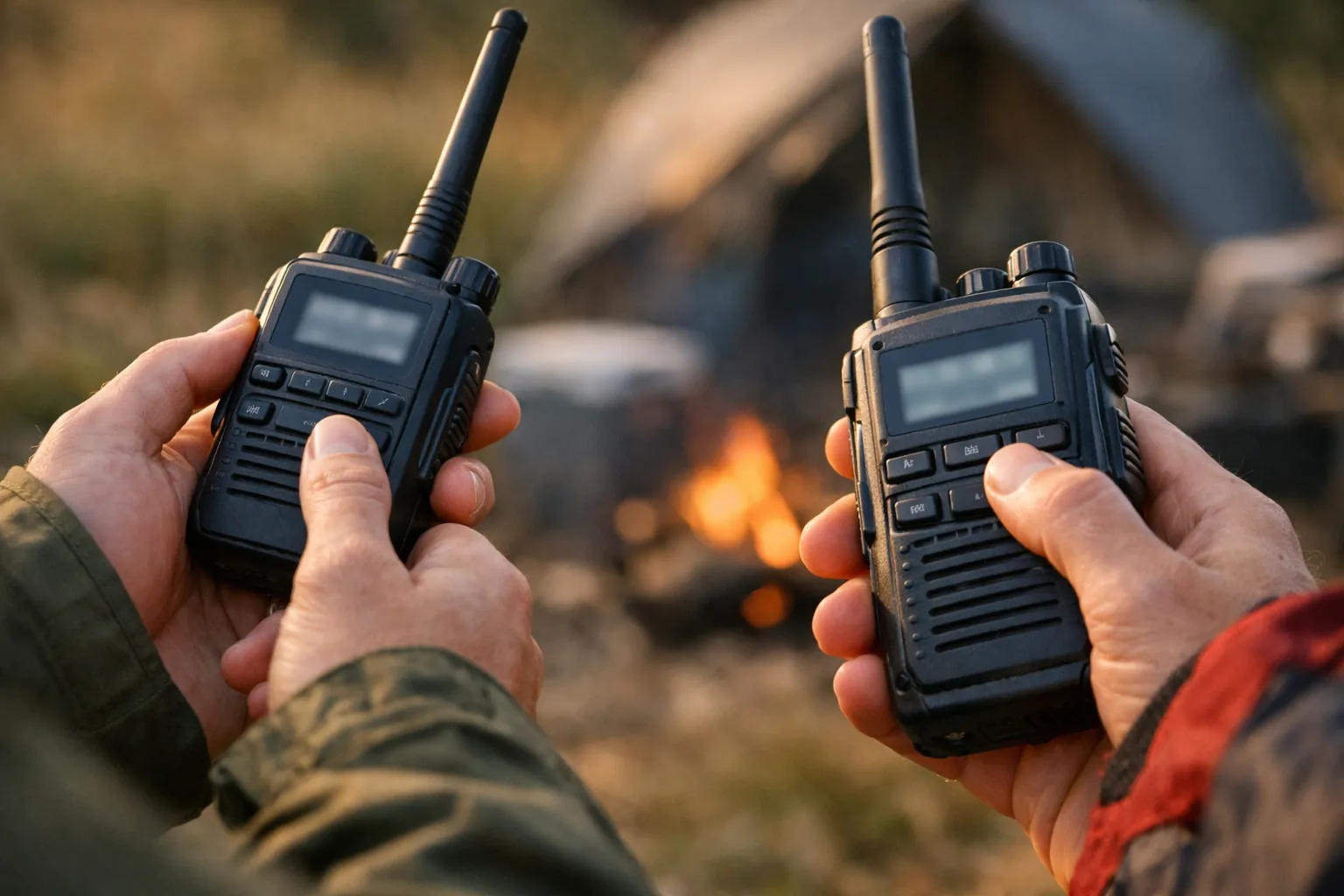
- Put every radio on the same channel with codes off. Confirm everyone can talk.
- Choose a CTCSS tone from the 38 most radios share. Codes 1 to 38 are the safest bet across brands.
- Look up that tone in each radio's manual and set the matching number.
- Test again. If one radio can't hear, recheck that it's on CTCSS, not DCS.
- Write the channel and tone on a card. Our printable GMRS frequency chart has a box for it.
Prefer CTCSS over DCS for mixed brands. DCS numbering varies more, and a few radios also offer "inverted" DCS variants that won't match the normal ones.

Codes and repeaters
On a repeater, the tone isn't optional. Most GMRS repeaters only respond to a specific CTCSS or DCS tone, which the owner publishes in the listing. Some use different tones for input and output. Our guide to finding and using GMRS repeaters walks through it. Note that simple bubble-pack radios like the Midland GXT1000 only allow privacy codes on channels 1 to 22, per the manual, so they aren't built for repeater use. The Rocky Talkie Expedition has repeater channels and the extra repeater-only codes listed above.
The channel numbers and frequencies these codes ride on are on our GMRS channels and frequencies page. Comparing brands for a whole family? Midland vs BTECH vs Wouxun covers which ones let you set tones by frequency.
Sources: 47 CFR 95.1777, 95.377, 95.1733 (eCFR, up to date as of October 1, 2026); Midland GXT1000 owner's manual (11-5-25); Rocky Talkie Expedition Radio user manual; Cobra RX680 manual. Rules checked: October 3, 2026. How we research · Affiliate disclosure