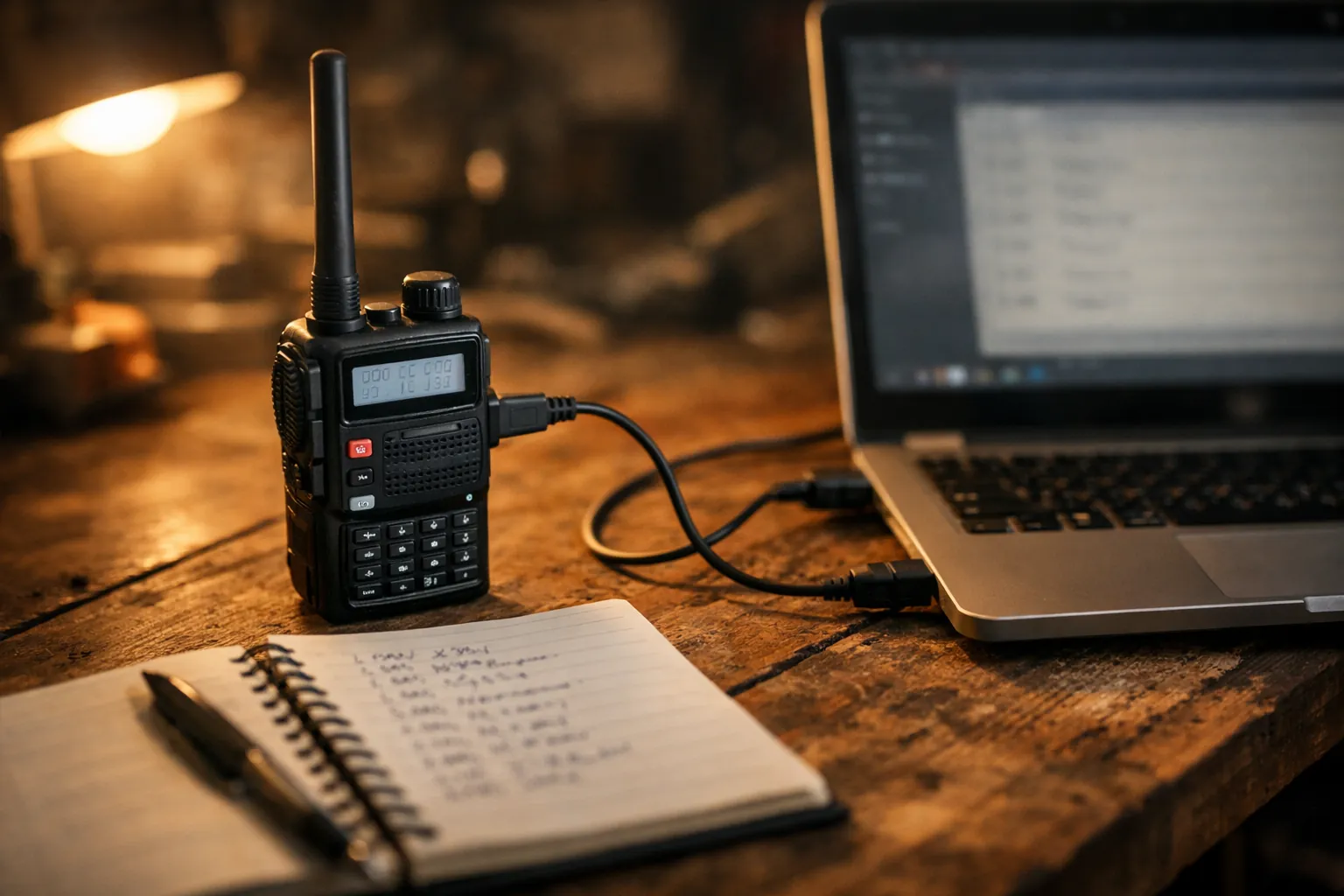
Install CHIRP-next, get a programming cable whose chip your computer recognizes, download the UV-5R's memory, save a backup, then fill the grid with your local repeaters, the national simplex frequencies and NOAA weather. Most people who get stuck get stuck on the cable, so start there. One rule up front: the UV-5R is a ham radio, so any GMRS channels you add should be receive-only.
Don't load GMRS transmit channels into a UV-5R. The UV-5R has no FCC certification for GMRS. Its grants (ZP5BF-5R and 2AJGMUV-5R) cover Part 90 land mobile and Part 15 receive, and 47 CFR 95.335 bars transmitting in GMRS with an uncertified radio, license or not. 95.1761(c) is why no ham radio can be GMRS-certified. Listening is fine: add GMRS or FRS frequencies with Duplex set to "off". Our page on which Baofeng radios are GMRS legal lists the models that are.
Step 1: Solve the cable problem first
The UV-5R programs through its two-pin Kenwood-style (K1) speaker-mic jack. The cable's USB end contains a USB-to-serial chip, and that chip decides whether your computer sees the radio at all. CHIRP's own cable guide is blunt about it: cheap cables built on counterfeit Prolific chips cause the most driver trouble on Windows, and anything with a real Prolific or FTDI chip should be fine.
| Cable | Chip (from the listing) | Computers (listing) | Notes |
|---|---|---|---|
| BTECH PC03 | Genuine FTDI | Plug and play, "no driver needed" per BTECH | Lists UV-5R and BF-F8HP; 12,000+ ratings, about 500 sold a month |
| Baofeng CH340 cable | CH340 | Windows | Install the CH340 driver if it isn't recognized; about 500 sold a month |
| Baofeng PL2303 cable | PL2303 | Mac and Windows | Baofeng says it works with CHIRP; install the PL2303 driver if needed |
| Baofeng cable for UV-5R/5RA | Not stated | Windows only (no macOS) | 5,000+ ratings, but the listing doesn't name the chip |
Our pick is the PC03 if you'd rather not think about drivers, and the PL2303 Baofeng cable if you're on a Mac and want the cheaper option. Avoid any cable that doesn't name its chip unless you're happy to experiment.
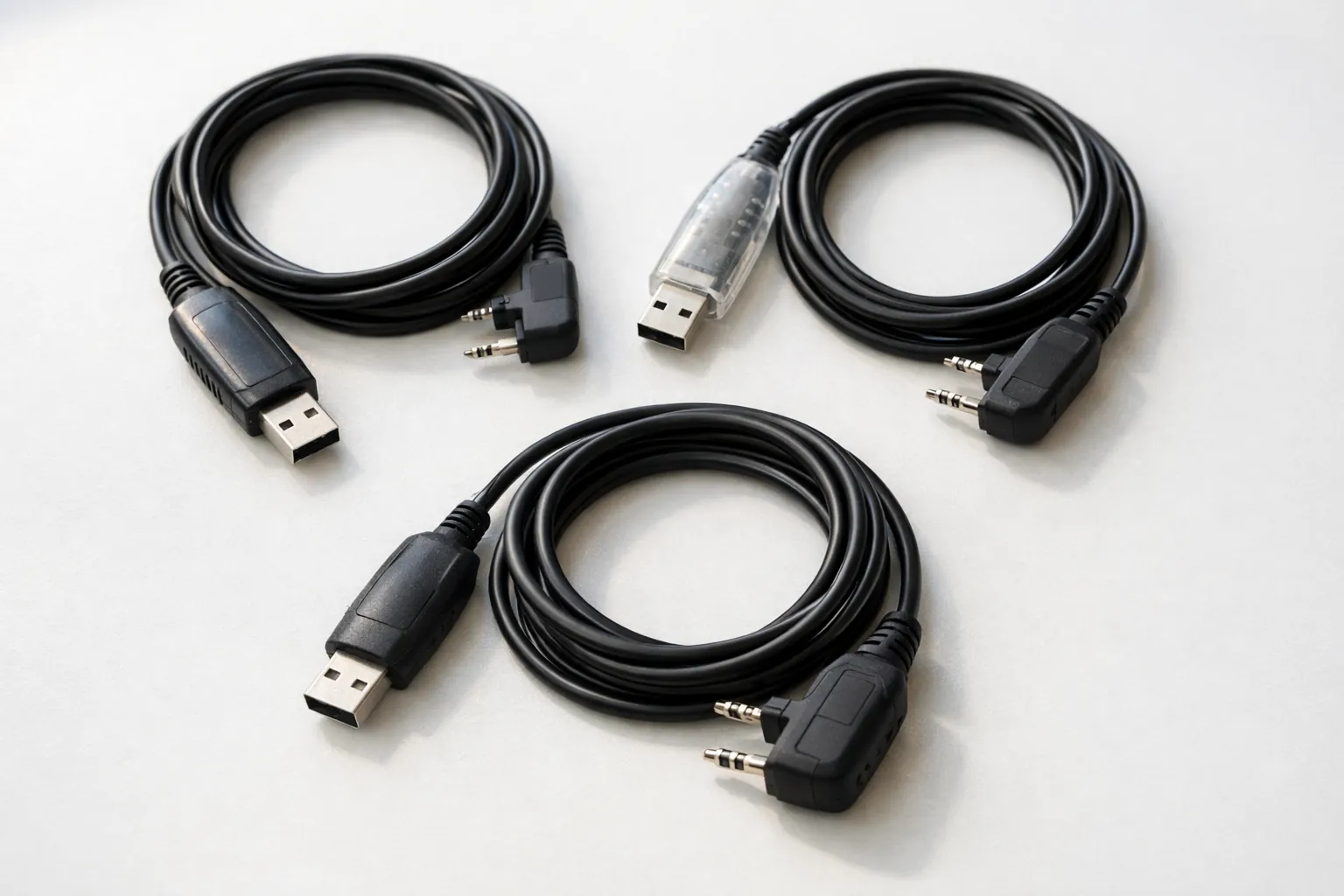
Plug the cable into the computer first. On Windows, Device Manager shows a new COM port; on macOS or Linux, a new /dev/tty or /dev/cu device appears. Write it down. Then push the plug into the radio firmly: the UV-5R's jack is tight, and a plug that looks seated often isn't.
Step 2: Install CHIRP-next
Download the newest build from the CHIRP download page. CHIRP is versioned by date and rebuilt whenever something changes, and the project asks everyone to stay on the latest CHIRP-next. It runs on Windows 10 and later (64-bit Intel), macOS Big Sur and later, and Linux. The UV-5R is on CHIRP's supported radio list under Baofeng, as is the BF-F8HP.
Step 3: Download and back up
- Turn the radio on and turn the volume up partway.
- In CHIRP choose Radio > Download from radio. Pick your port, vendor Baofeng and model UV-5R (or BF-F8HP if that's what you have).
- When the memory grid appears, choose File > Save As and keep that file somewhere safe. It's your way back to factory settings.
Do this before you change anything. If an upload goes wrong or you dislike your edits, upload the backup and start over. These steps also work on the BF-F8HP, which takes the same K1 cable.
Step 4: Build a memory plan
A good first layout for a new Technician puts the things you'll use most at the top. Here's a plan you can copy, using frequencies from the ARRL band plan and NOAA Weather Radio:
| Memories | What | CHIRP settings |
|---|---|---|
| 0-9 | Your local 2 m and 70 cm repeaters | Output frequency, Duplex and Offset from the repeater listing, Tone Mode Tone, CTCSS tone |
| 10 | 146.520 MHz, the national 2 m FM simplex calling frequency | Duplex (none), FM |
| 11 | 446.000 MHz, the national 70 cm simplex frequency | Duplex (none), FM |
| 12-18 | NOAA Weather Radio: 162.400, 162.425, 162.450, 162.475, 162.500, 162.525, 162.550 MHz | Duplex off (receive only) |
| 19 and up | Optional: GMRS or FRS channels to listen to family radios | Duplex off (receive only) |
The NOAA frequencies are receive-only by nature, and setting Duplex to "off" makes sure a stray press of the PTT button doesn't key up on them. The same setting is how you make GMRS memories listen-only. For the GMRS frequency list itself, see our CHIRP GMRS memory layout, and remember it's for listening on this radio.
Entering a repeater
Look the repeater up in a directory or on the club's website and copy four things: output frequency, offset direction, offset amount and tone. On 2 m, the ARRL band plan puts repeater inputs at 146.01-146.37 MHz and outputs at 146.61-146.97 MHz, 600 kHz apart, which is why most 2 m listings show a 600 kHz offset. 70 cm repeater pairs are set by local coordinators, so copy what the listing says. In CHIRP:
- Frequency: the repeater's output (what you hear)
- Duplex: + or - as listed
- Offset: 0.600000 for a 600 kHz split, or whatever the listing gives
- Tone Mode: Tone, and the CTCSS value in the Tone column
Our CTCSS and DCS tone chart lists every standard tone if a listing gives a code instead of a frequency.
Step 5: Upload and test
Choose Radio > Upload to radio, and don't touch the cable until it finishes. Then test receive on a repeater or NOAA first. Once you're licensed, a short call on a repeater ("This is [your call sign], testing") confirms transmit. Amateur stations identify at the end of each communication and at least every 10 minutes (47 CFR 97.119).
Where the license comes in
You don't need a license to own, program or listen with a UV-5R. To transmit on its ham bands you need an amateur license. Technician, the entry level, covers 2 m (144-148 MHz) and 70 cm (420-450 MHz) in the US (97.301). The exam is 35 questions and you need 26 right (97.503). Our ham radio for beginners guide and license levels explainer cover the path.
Some UV-5R listings, including the Baofeng UV-5R sold on Amazon now, say the radio only transmits on 144-148 and 420-450 MHz. Older and other variants may transmit more widely. That doesn't change what's legal: transmitting outside the ham bands needs a separate authorization, and GMRS isn't available to this radio at all.
Thinking about a different starter radio? See the UV-5R vs Quansheng UV-K5 comparison and our beginner handheld picks. If you want a radio for family GMRS use instead, the GMRS-certified Baofeng models program in CHIRP the same way.
Sources: CHIRP supported-radio list, download page and cable guide (chirpmyradio.com); ARRL band plan; NOAA Weather Radio (weather.gov/nwr); FCC grants ZP5BF-5R and 2AJGMUV-5R (via fccid.io); 47 CFR 95.335, 95.1761, 97.119, 97.301, 97.503 (eCFR up to date as of October 1, 2026); cable and radio details from the Amazon listings. All checked October 3, 2026. How we research · Affiliate disclosure